

5 Ways to Make Website Redesign Interactive
Websites Should Give & Receive Information
You just experienced an interactive animation by scrolling through the page.
One of the beauties of a website design is to make it interactive. Unlike the old days when websites were more like a brochure, today's websites are used to give and receive information. Here are a few ways to make your website redesign more interactive
Some interactive site designs will create a seamless user experience by directing them on what to do next, and other techniques could be more apparent to the user.
Here a some of the ways we can make your site interactive:
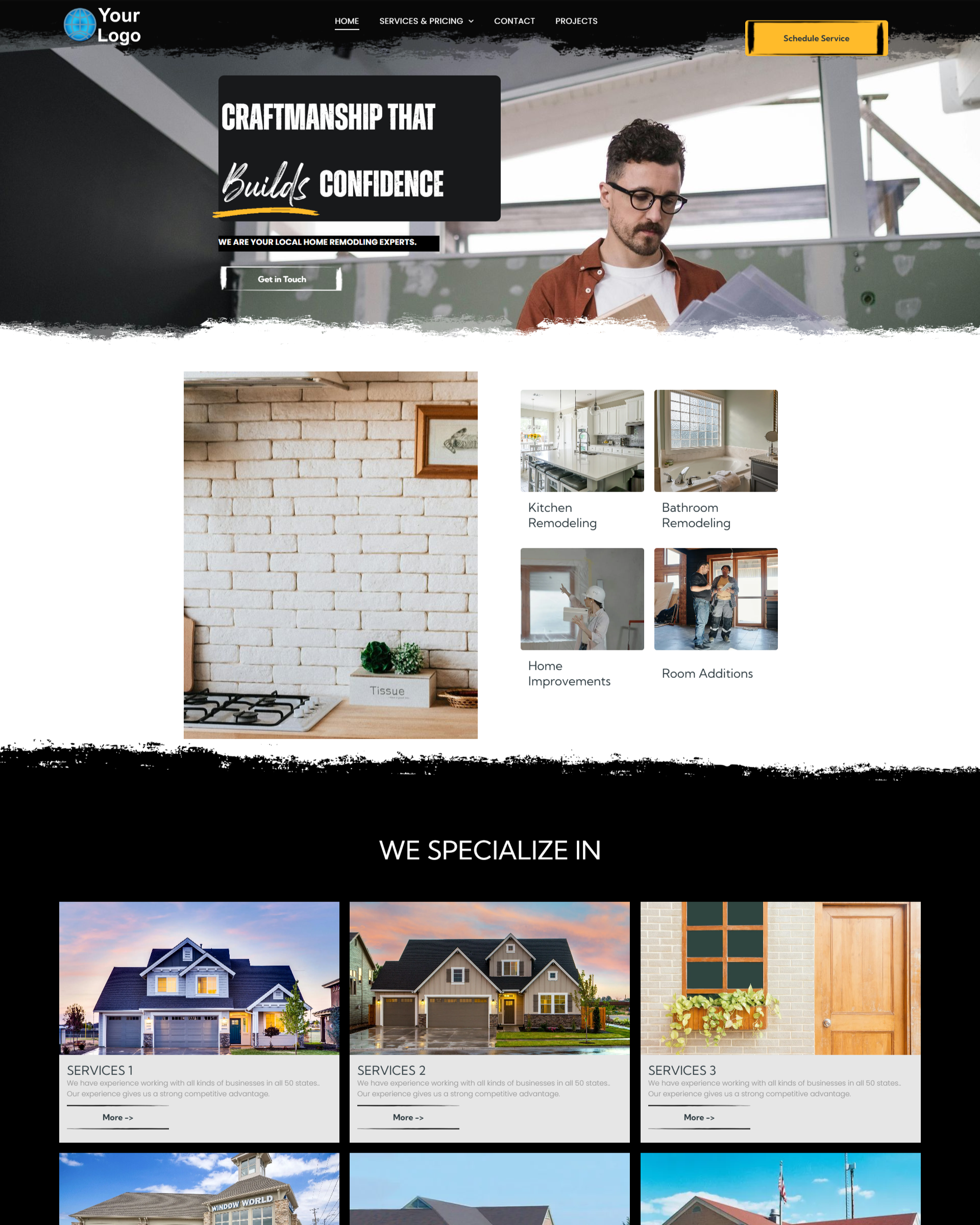
Here is an example below.
One of the beauties of a website design is to make it interactive. Unlike the old days when websites were more like a brochure, today's websites are used to give and receive information. Here are a few ways to make your website redesign more interactive
Some interactive site designs will create a seamless user experience by directing them on what to do next, and other techniques could be more apparent to the user.
Here a some of the ways we can make your site interactive:
1. Using Call To Action Buttons
Users can interact through the standard CTA buttons or through an animated scrolling gallery of images. These can commonly be seen in the header of the home page. It can also be used as a click-to-call feature or an email link.Here is an example below.
2. Using Videos, Sliders, Waterfall & Carousels Widgets
Breaking up the vertical movement will condense the website content and allow customers to view images and videos with just a click on a desktop website or swipe on a mobile device to view more information. Click on the images below to see how the waterfall can be interactive.3. Replace pdf forms with online questionnaires
Having forms that your customers have to download, print, fill out, and then fax or upload to the site is a challenging experience. An online form can gather the same information and simplify the process.Interactive online forms can be used for reservations, booking appointments, or scheduling. These are great for doctor offices and onboarding processes. These forms can also be used for newsletter signups and requesting a quote, and we can even create an online form to populate a specific group in your customer relation manager (CRM). They can even be a seamless experience leading the user to the next page, as we do in the EZ Design Wizard.
4. Gathering Reviews & Testimonials
Adding this kind of social interaction brings trust to your brand and can be used as an SEO tool. There are a few ways to use this on our sites. We recommend the EZ Review Leader. It captures less-than-favorable reviews and promotes positive reviews to Google, Yelp, Facebook, or any other lead-generating site you may like, and it can be industry specific. I had a good experience.
I had a bad experience.
5. Sharing through E-commerce
We make our online shopping experience reciprocal by using products with descriptions, images, 360 virtual reality views, videos, customer reviews, social sharing, wish lists, and comparison shopping. We also offer customer accounts, a reordering feature, and coupon codes to purchase products and items like digital downloads and classes.Notice the social media icons that can be shared to facebook, tweeted to twitter or pinned on Pintrest.
Some other interactive features we can help you implement on your website are:
- 3rd party code for things like live chat or chatbots.
- Multi-Language website
- Google Maps
- Private password-protected page
- Blog pages can be shared on social media sites, and comments can be left by visitors to the site.
Good Design is Interactive Design
Website design is always evolving, and it has become a way not only to receive information but also to experience it. If you need a website design so your customers can have an experience, give us a call. We love coming up with solutions to solve problems using technology for your business.Recent Posts
EZ Construction Websites & Marketing

July 11, 2024
Data Security: Ensuring data security is imperative to comply with data protection laws and establish trust with site visitors.
Accessibility: Websites are required to follow disability laws related to public accommodations, encompassing online platforms. Failure to comply could result in legal action and harm the reputation of a brand.
Privacy Policy: Websites that gather, store, process, or handle personal data of visitors must have a privacy policy in place.
Cookie Consent: Data privacy regulations mandate that websites inform users and obtain their consent before placing cookies on their devices.
GDPR: US-based websites that capture and process personal data of EU residents must adhere to the General Data Protection Regulation (GDPR). This involves obtaining explicit consent from EU users before collecting their data. California Consumer Privacy Act (CCPA) ADA Website Compliance Deadlines for All State & Municipal Websites.

October 31, 2023
Having a website and digital marketing with a comprehensive and custom solution will be the difference between a thriving, profitable business and a failing one. A Website VS. Facebook Page, Landing Page, a Business Directory, Digital Business Card. The Power of Professional Websites